
If you have ever caught a glimpse of yourself in a tagged photo and wondered how to look younger in photos, you are far from alone. Cameras have an uncanny ability to add years to your appearance, making skin look less firm, deepening shadow lines, and accentuating asymmetry. The good news is that this phenomenon is almost entirely mechanical. It is not a reflection of your physical age, but rather the result of lens geometry, lighting angles, and camera height working against you.
In most cases, looking older in a picture comes down to quick technical errors rather than how much sleep you had last night. You do not need expensive cosmetics, heavy retouching, or complex editing software to correct these issues. By understanding how camera sensors capture light and depth, you can make minor adjustments that immediately change how your features read on screen.

Here are 10 practical, physics-backed adjustments you can make in under 30 seconds to ensure your photos reflect how you actually look in real life.
Why Photos Can Make You Look Older Than You Are
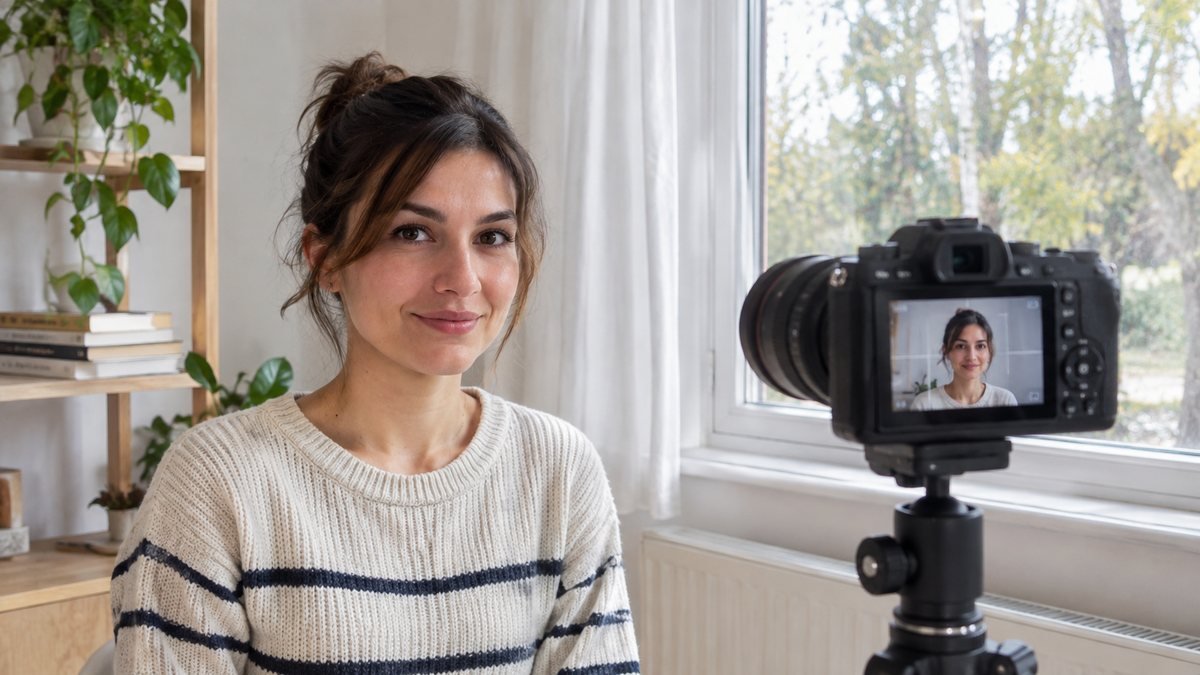
When you look in the mirror, your eyes view your reflection in three dimensions, adjusting dynamically to changing light and movement. A smartphone camera, by contrast, collapses three-dimensional depth into a flat two-dimensional plane. During this translation, several optical quirks can dramatically alter your perceived age:
- Focal Length Distortion: Most front-facing smartphone cameras feature wide-angle lenses (typically equivalent to 24mm to 28mm). At close distances—like an arm's-length selfie—wide lenses expand whatever is closest to the lens (usually your nose and forehead) while compressing the outer edges of your face. This distorts your natural proportions and can give the lower face a sagging appearance.
- Harsh Overhead Light: When light falls directly from above, it casts sharp down-facing shadows. This overhead lighting that makes you look older deepens the hollows under your eyes, exaggerates nasolabial folds (smile lines), and highlights uneven skin texture.
- Low Angles: Shooting from below forces the camera to look straight up under your jawline. This compresses the soft tissue under the chin, creating the illusion of jowls or a double chin even on thin individuals.
- Frozen Micro-Expressions: Facial movement is fluid. When a camera captures a fraction of a second, it often catches tension around the brow, squinting eyes, or an incomplete smile. In a static image, facial tension reads as stress and fatigue.
- Direct Flash and Digital Sharpening: Built-in flashes flatten your facial dimension while harsh digital sharpening algorithms built into modern phones artificiality enhance micro-textures, making fine lines appear deeper than they are.
The 10 Fixes That Actually Work
1. Position the Camera at or Slightly Above Eye Level
Finding the best angle to look younger starts with camera height. Holding your phone below chest level and looking down causes skin to settle downward and exaggerates the lower third of your face.
Raise the camera so the lens sits roughly level with your eye line or slightly above it—about 5 to 10 degrees higher than your forehead. When you look slightly upward toward the camera, your neck naturally elongates, stretching the skin along your jawline and smoothing out soft tissue. It also opens your eyes wider, allowing more light to hit your irises, which immediately brightens your face.
2. Step Back and Use 2x Zoom to Cut Lens Distortion
If you are taking a selfie or portrait, avoid holding the phone close to your face. Close-up wide-angle shots stretch your central features and narrow your cheekbones, which mimics the structural volume loss associated with aging.
To achieve natural face proportions:
- Extend your arm fully or use a tripod.
- Switch your smartphone camera to 2x or 3x optical zoom (or step back two feet if someone else is taking the photo and crop slightly later).
Shooting from a greater physical distance flattens lens distortion, placing your nose, cheeks, and ears in correct relative proportion. This single shift restores natural cheek volume and prevents facial features from stretching forward.
3. Face a Broad Light Source (Avoid Overhead Light)
Lighting dictates how depth is rendered in a photo. Direct overhead light—such as midday sun, recessed ceiling lights, or bright kitchen bulbs—is the primary type of lighting that makes you look older. It casts micro-shadows beneath every curve and crease of your face.
To fix this instantly, face your light source directly:
- Turn to face a large window during daylight hours.
- Step into open shade if you are outdoors.
- Position a lamp directly behind your camera set at eye level.
Broad, soft light coming from straight ahead acts as a natural fill light. It fills in the hollows under your eyes, diffuses shadows around your nose and mouth, and spreads light evenly across your forehead, giving your skin a smoother appearance without destroying natural detail.
4. Extend Your Neck and Tilt Your Chin Slightly Down and Forward
When people feel self-conscious in photos, they tend to pull their head back into their neck. This pushes the jaw back into the neck tissue, creating folds and softening the jawline.
Try the "turtle technique" used by commercial portrait photographers:
- Push your entire head forward a fraction of an inch (moving your ears forward toward the camera).
- Tilt your chin down slightly (about half an inch).
This movement stretches the skin tight over your jawline and creates a clear separation between your face and your neck. From the front of the camera, the subtle forward movement is invisible, but the sharp definition it adds to your jawline is immediately obvious.
5. Relax Your Face into a Soft Expression (Not a Forced Grin)
When asked to smile, many people freeze into a tight, wide grin. Research on facial perception and age estimation shows mixed results regarding big smiles: while a bright smile conveys warmth, heavy smiling tightly bunches up the cheek muscle and creates deep crow’s feet around the eyes, which can actually increase your estimated age in static photos.
Instead of a wide, forced grin, aim for a soft, relaxed expression:
- Rest your tongue against the roof of your mouth behind your front teeth (this relaxes your jawline muscles).
- Part your lips slightly.
- Think of something mild and pleasant to bring a subtle lift to the corners of your mouth and eyes.
A relaxed face projects composure and calm. If you do choose to smile with teeth, focus on smiling with your eyes first to prevent facial muscle tension across your lower cheeks.
6. Open Your Posture and Drop Your Shoulders
Slouching does not just affect how your body looks; it directly impacts your neck and facial structure. Rolling your shoulders forward shortens the neck and forces the chin downward, creating a compressed, tired look that adds perceived years.
Before taking a photo:
- Roll your shoulders back, down, and away from your ears.
- Imagine pulling your shoulder blades together slightly.
- Lift your sternum (chest bone) an inch higher.
Opening your chest pulls your neck upright and creates a clean frame for your head. Better posture signals energy and vitality, which are key visual cues associated with youthfulness.
7. Skip Harsh Direct Flash and Heavy Smoothing Filters
When taking photos in low light, the default reaction is to turn on the camera flash. Direct flash creates a harsh point light that washes out natural skin tones while highlighting small bumps, dry patches, and fine lines through bright reflections.
Equally problematic are aggressive beauty filters. While heavy skin-smoothing filters promise to make you look younger in pictures, they often strip away all natural skin texture, flatten shadows entirely, and alter facial geometry. Human eyes are incredibly perceptive; when a face lacks natural texture, the brain registers it as fake or altered, which often draws more attention to the subject's age.
Instead, stick to natural illumination whenever possible. If you edit your photos later, make minor adjustments to shadow brightness and warmth rather than applying heavy blur filters.
8. Wear Solid Colors Near Your Face
What you wear directly beneath your face acts as a giant reflector. Stark white clothing can bounce harsh light upward into your jaw line or blow out the exposure of your camera sensor, leaving your skin looking dull or washed out. Highly busy patterns can draw focus away from your eyes and exaggerate visual clutter.
For a fresh, youthful appearance:
- Choose solid, rich tones like jewel colors (navy, emerald, deep burgundy) or warm earth tones, depending on your skin undertone.
- V-neck or open-collar shirts help elongate the neck compared to tight high crewnecks.
- Avoid stark neon shades, which can bounce unnatural color casts (such as green or bright pink) onto your jaw and neck.
9. Add Root Volume and Avoid a Flat Center Part
Hair framing your face plays a significant role in age perception. Flat, limp hair that lies tight against the scalp highlights thinning hair density—a classic sign of aging.
Quick adjustments to hair before a photo can dramatically shift your look:
- Use your fingers to flip your hair to the opposite side of your normal part to create instant height at the roots.
- Avoid pulling hair back too tightly into a slick ponytail unless you have exceptionally sharp bone structure.
- Allow a few soft strands of hair to fall naturally around your face to break up harsh lines and soften your jaw.
Root volume adds height to the top of your head, altering the visual ratio of your face and creating a subtle lifting effect.
10. Take Several Shots and Pick the Micro-Moment
Nobody looks their best in a single frame. Even professional models take dozens of frames to catch one where lighting, posture, eye focus, and facial tension align perfectly. If you rely on a single snap, you are taking a gamble on a split-second micro-expression.
Use your camera’s burst mode or take a series of 5 to 10 photos while making tiny movements:
- Blink once, open your eyes, and let your face soften as the shutter clicks.
- Move your head half an inch from side to side across frames.
- Capture the moment just after you finish laughing or speaking, when your muscles relax naturally.
Reviewing a series of photos lets you select the exact frame where your expression is bright and unforced.
What Does Not Work (Honest List)

While the tips above rely on genuine optical principles, several common "photo hacks" backfire and actually make you look worse:
- Extreme "Beauty" Filters: Filters that enlarge your eyes, narrow your jaw, and completely erase your skin pores create an uncanny effect. When an image looks obviously edited, viewers unconsciously assume you are trying to hide advanced aging.
- The Chin-on-Hand Pose in Close-ups: Rest-your-chin-on-your-hand poses sound cute in theory, but pushing your hand against your cheek or jaw compresses the skin, creating artificial folds and making skin look looser than it actually is.
- Shooting from Extreme High Angles: While shooting from slightly above is flattering, holding the camera high up in the air looking down forces you to tilt your head back awkwardly and strain your forehead, creating deep transverse forehead lines.
Check the Difference Yourself
It is one thing to read about camera optics, but seeing the results firsthand is eye-opening. If you want to test how much these mechanical fixes actually alter perceived age, try a simple experiment.
Take two photos of yourself right now:
- Photo A: A close-up selfie holding the phone below eye level under overhead lighting with a forced smile.
- Photo B: Step back, use 2x zoom, face a window, position the camera slightly above eye level, relax your face, and tilt your chin forward.
Then, upload both images to our age calculator by photo to compare the estimated output.
AI facial estimation systems work much like the human brain—they scan for structural light contrast, shadow depth around the eyes and mouth, and facial symmetry. Because poor lighting and focal distortion create artificial dark lines and distorted ratios, an unoptimized photo will regularly score several years older than a correctly taken one.
Keep in mind that automated tools provide a mathematical estimate based on visual data, not a biological measurement. The variance between your two photos proves a key point: why do I look older in photos usually comes down to camera setup, not how old you actually are.
Frequently Asked Questions
Why do I look older in selfies than the mirror?
When you look in a mirror, you see a dynamic, 3D reflection at a natural viewing distance with both eyes. A selfie camera compresses your face into 2D using a short wide-angle lens held close to your face. This stretches central features like your nose, flattens cheek volume, and exaggerates asymmetrical lines.
Does smiling make you look older or younger?
Research on facial expressions and age perception is mixed. While a warm smile makes you look more approachable and vibrant, deep smiling causes cheeks to bunch up and accentuates lines around the eyes (crow's feet). For photos, a soft, natural expression or a subtle smile generally yields the most balanced, youthful result.
What is the best lighting to look younger?
The single best lighting source is broad, diffused light facing you at eye level. Facing a large window during daylight hours or standing in open shade outdoors casts soft, even illumination that fills in dark eye circles and smooths skin texture without blowing out details.
Do filters make you look younger?
Light color adjustments and contrast tweaks can enhance a photo naturally. However, heavy smoothing or face-altering filters often create an unnatural, uncanny appearance. Oversmoothed skin removes depth cues, which can ironically make a photo look cheap and draw attention to age.
Can a photo really change your estimated age by years?
Yes. Changing the camera angle, lighting, and focal length can easily alter perceived age—both by human viewers and by automated facial analysis algorithms—by 5 years or more. A photo measures how light hits your face in a fraction of a second, not your actual biological health. ---
Summary Checklist for Your Next Photo
To consistently capture photos that look natural, fresh, and true to life, run through this quick checklist before clicking the shutter:
- Step back and zoom in to 2x or 3x to stop face stretching.
- Raise the lens to eye level or slightly above.
- Turn toward natural light and avoid harsh overhead bulbs.
- Extend your neck and push your chin forward half an inch.
- Drop your shoulders and open your chest.
- Relax your mouth and eyes rather than forcing a big grin.
By taking control of camera optics and lighting, you eliminate the mechanical distortion that adds unfair years—allowing your true, vibrant self to come through every time.